BAGYOU FIBREBUILDING CONNECTIONSDiscuss a Route
Home / Buildings & Campus
Start with the site

Connect the Building to the Network Around It

A fibre link is also a physical route through rooms, floors, ducts and shared spaces. Its construction, termination and records need to fit the way the building operates.

Four network contexts

The Route Changes the Requirement

Use the setting below to assemble a focused brief. An office floor and a campus backbone may share fibre interfaces while needing different cable, access and installation arrangements.

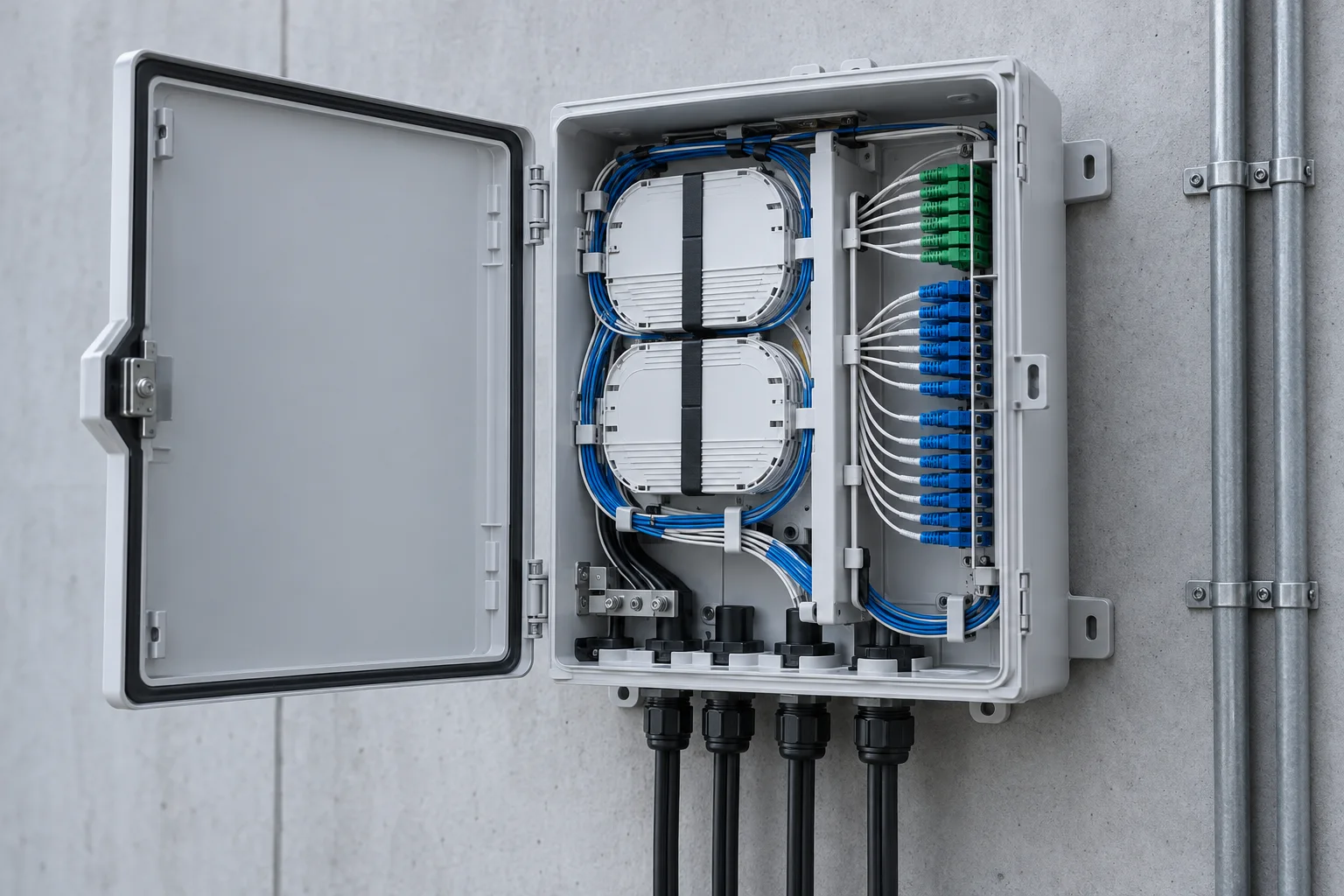
Fibre distribution enclosure for branching and termination
01 / Within the building

Risers, Floors & Tenant Areas

Bring fibre from a common distribution point to floor cabinets, occupier spaces or local equipment. Survey the riser and horizontal path together so that entry points and termination space are visible.

  • Record shared and restricted access spaces.
  • Separate the permanent cable from changeable patching.
  • Allow for identification and future connections.
View termination components →
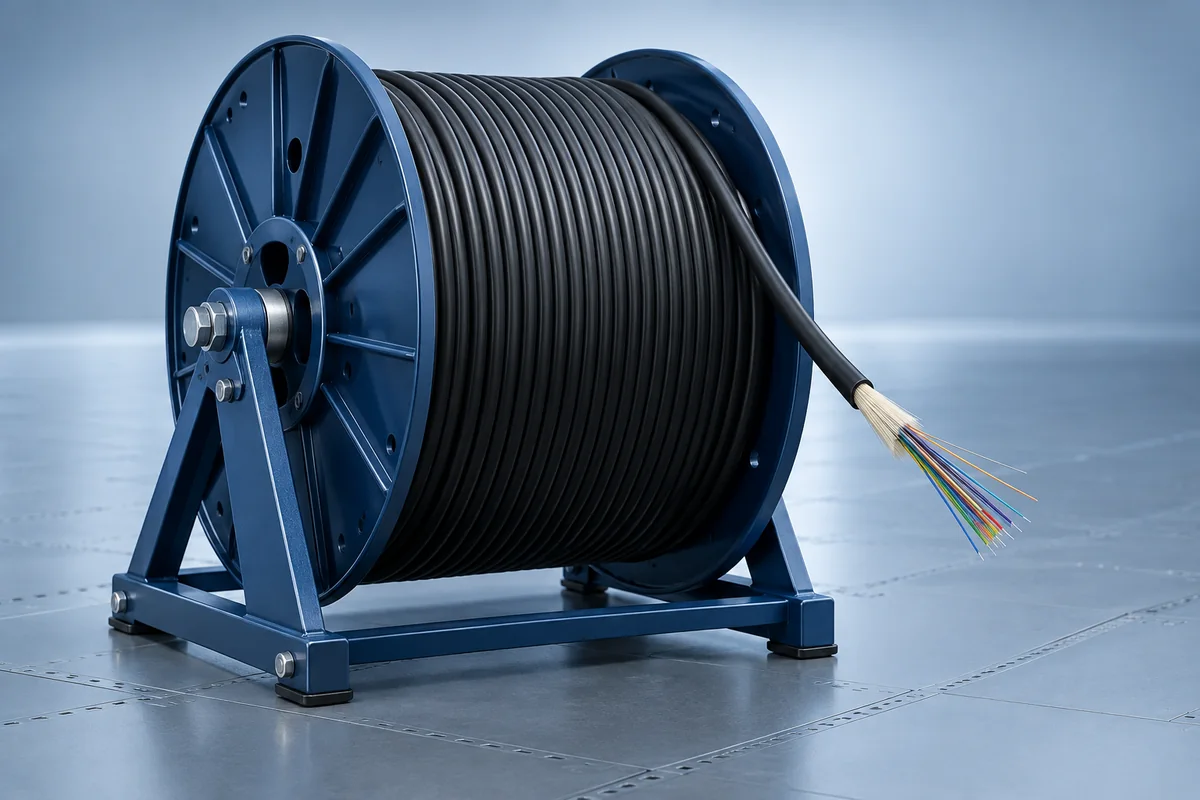
Optical fibre cable reel for an interbuilding route
02 / Between buildings

Campus Backbone Links

Connect buildings through ducts, chambers or other surveyed routes. Coordinate the change from an external pathway to internal termination, including joints and accessible service points.

  • Map each building entry and intermediate joint.
  • Confirm cable construction against route exposure.
  • Distinguish spare fibres from a separate resilient route.
Review route planning →
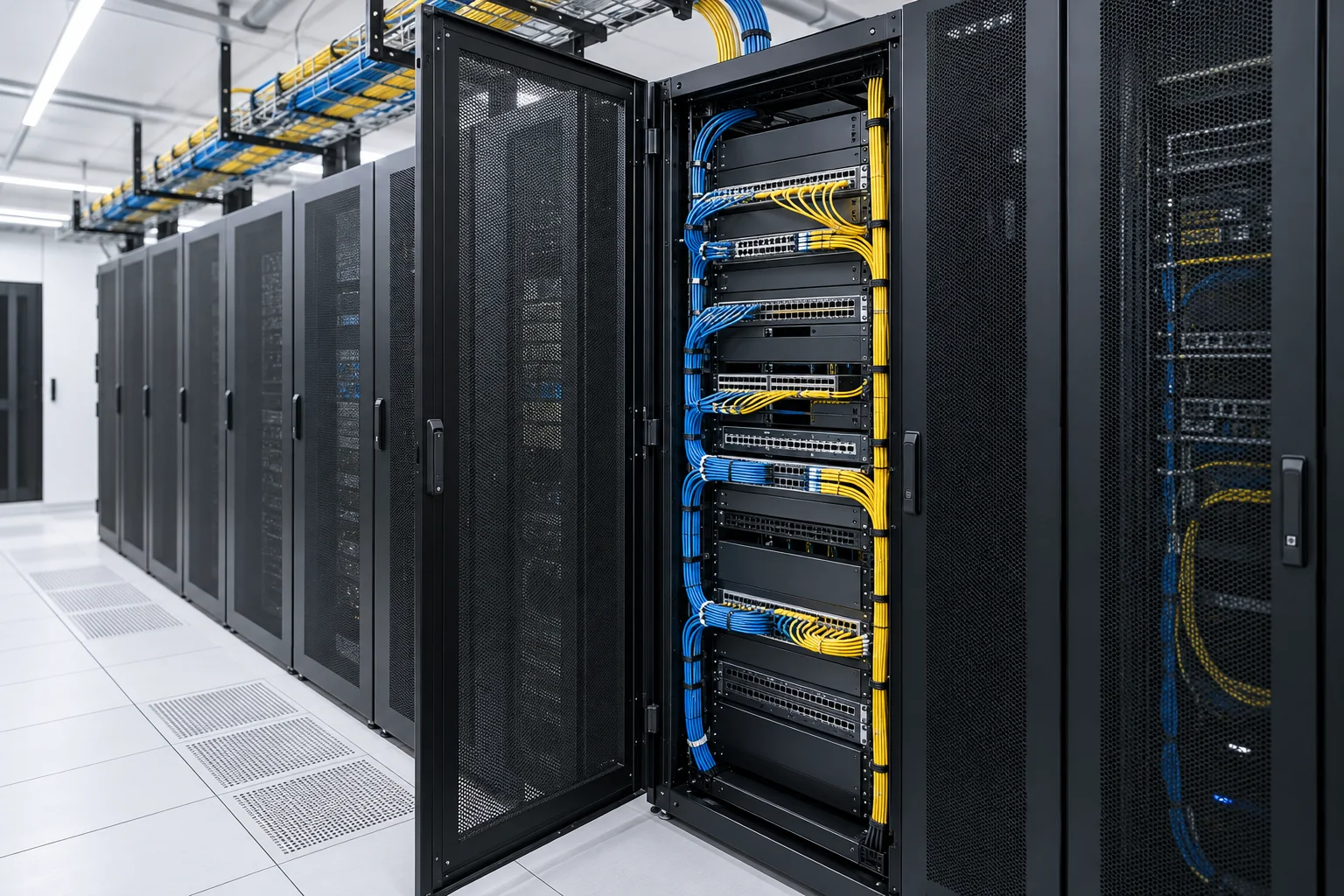
Network cabinets with structured equipment-room patching
03 / At the equipment

Equipment-Room Patching

Make port assignments, patch routes and service access work together. Panel density is useful only when technicians can identify a circuit and change a lead without disturbing neighbouring connections.

  • Match panel interfaces to the active equipment.
  • Coordinate front, rear and overhead cable paths.
  • Keep rack elevations and port schedules aligned.
Explore patching and pathways →
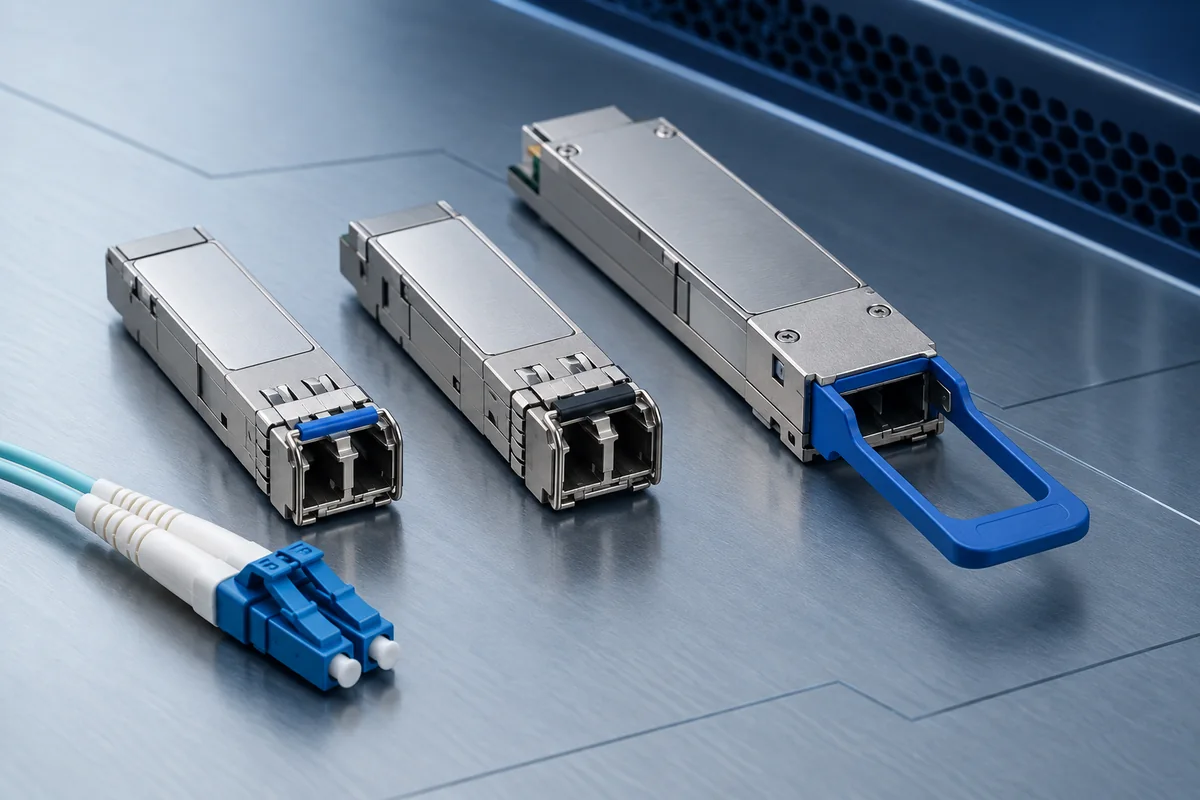
Optical modules for assessing a fibre link upgrade
04 / Working around the live network

Staged Fibre Upgrades

Assess the installed fibre before changing link speed or endpoints. Preserve a clear distinction between the condition of the cable plant, the capability of the optics and the permitted service interruption.

  • Capture the current endpoint and fibre records.
  • Confirm host and optical compatibility at both ends.
  • Define testing, cutover and recovery steps.
Review compatibility questions →
Site assessment

Survey the Path Before Fixing the Parts List

A useful survey joins the drawing to the actual building. It records where cables can pass, what is already installed and which access decisions need agreement.

  • Start and end points, floor references and available rack space.
  • Pathway condition, entry constraints and accessible joint locations.
  • Existing cable labels, connector interfaces and test records.
  • Installation access, occupied areas and proposed change windows.
Tell us where the connection runs

Turn the Site Context into a Fibre Brief

Share the buildings, endpoints and operational constraints you already know.

Discuss Your Connection